
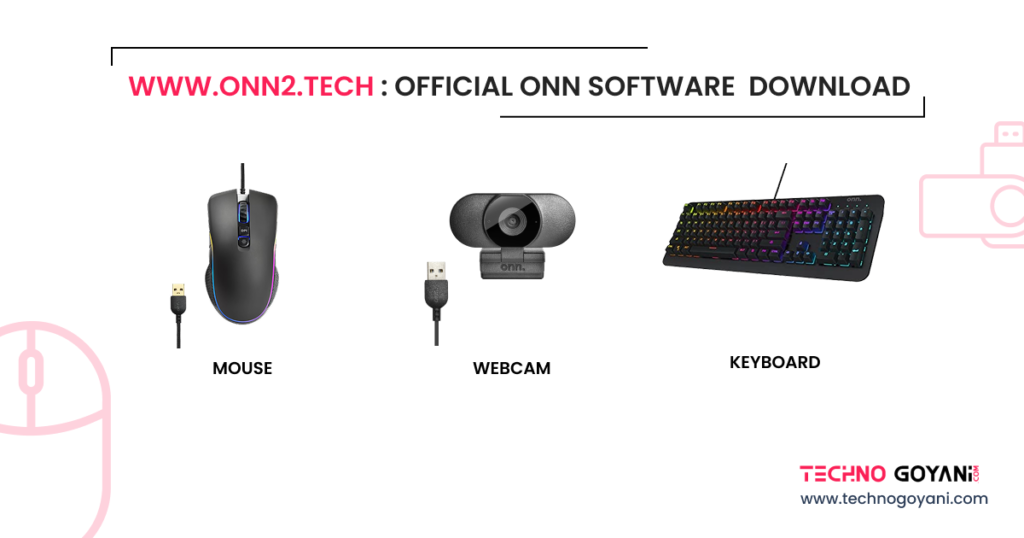
Looking for Onn software, drivers, or setup information for your keyboard, mouse, webcam, or another Onn device? This guide explains how to identify the software you need, where to look for legitimate downloads, and what to do if your device is not working correctly.
Important: This website is an independent information resource and is not affiliated with, sponsored by, or officially endorsed by Onn or Walmart. Onn is a trademark of its respective owner. Product names and trademarks are used only to identify compatible products.
What Is Onn Software?
Onn software can refer to device drivers, configuration utilities, or other applications associated with Onn-branded computer peripherals.
Depending on the product and model, software may provide additional functionality such as device configuration, button customization, lighting controls, camera settings, or other features.
However, not every Onn device requires a separate software application. Many keyboards, mice, webcams, and other USB peripherals can work using drivers supplied automatically by Windows.
Before downloading anything, identify the exact model of your Onn device.
How to Find the Correct Onn Software?
The software required for an Onn device can vary depending on its model.
A good starting point is to check:
- The model number printed on the device or packaging
- The user manual supplied with the product
- The manufacturer’s product or support information
- Windows Device Manager
- The software requirements listed for your specific device
Do not install software simply because it contains the word “Onn.” Make sure the software is intended for your particular device.
Onn Keyboard Software
Some Onn keyboards may work immediately after connecting them to a Windows computer without additional software. Other models may have configuration software or require a specific driver.
If you are looking for information about keyboard drivers, software installation, or configuration, see our dedicated Onn Keyboard Software guide.
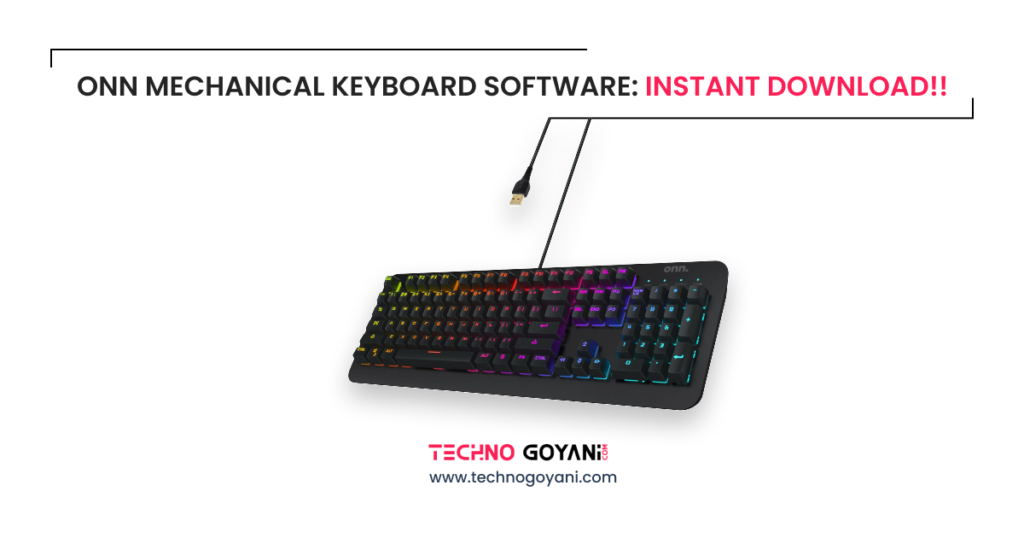
ONN Keyboard Software Download: Instant
The guide provides more specific information for users who are trying to configure or troubleshoot an Onn keyboard.
Onn Mouse Software
Many Onn mice can operate using standard Windows drivers. Depending on the model, additional software may be available for features such as button configuration, DPI settings, lighting, or other customization options.
If you need help finding or installing software for an Onn mouse, see our dedicated Onn Mouse Software guide.
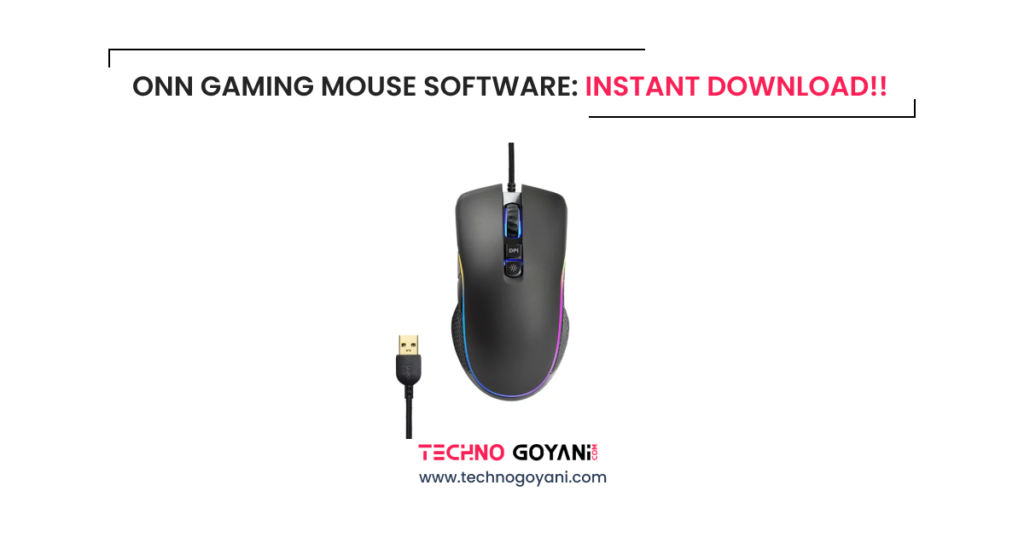
Onn Gaming Mouse Software: Instant Download!!
Always check your mouse’s model number before installing a driver or configuration utility.
Onn Webcam Software
Onn webcams can often work with Windows’ built-in camera support. In some cases, additional software may be useful for accessing camera controls or other features.
If your Onn webcam is not being detected or you are looking for compatible software, visit our Onn Webcam Software guide.
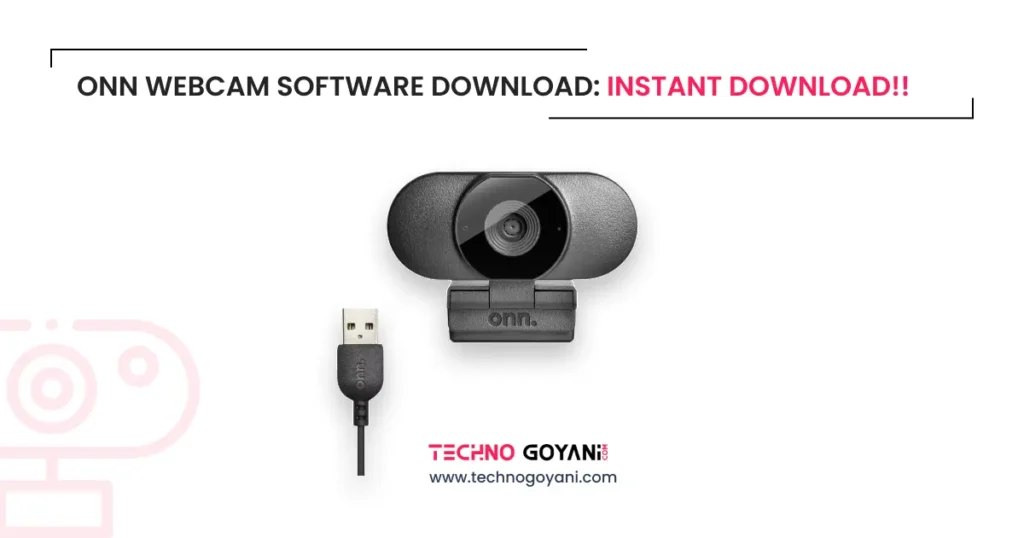
Onn Webcam Software Download
The correct solution depends on the specific webcam model and the operating system you are using.
Does Every Onn Device Need Software?
No.
Many Onn peripherals are designed to operate as plug-and-play devices. When you connect one to your computer, Windows may automatically install a compatible driver.
If the device is functioning normally, you may not need to install additional software.
Additional software is generally only useful when it is specifically supported by the device and provides features that are not available through the operating system.
How to Check Your Onn Device Model
Before looking for a driver or application, find the model number of your device.
You may find it:
- On a label underneath the device
- On the original packaging
- In the product documentation
- In Windows Device Manager
- In the product information supplied with the device
The model number is particularly important when several Onn products look similar.
How to Install Compatible Onn Software?
Once you have identified the appropriate software for your device:
- Confirm the exact device model.
- Check that the software supports your version of Windows.
- Obtain the software from a legitimate and trustworthy source.
- Review the file name and publisher before installation.
- Follow the installation instructions provided with the software.
- Restart your computer if required.
- Connect your Onn device and test it.
Avoid installing modified drivers, unknown executable files, or software from suspicious download pages.
What If Your Onn Device Works Without Software?
If Windows recognizes your device and all of its required functions work correctly, you may not need additional software.
For example, a basic USB keyboard may only need the standard keyboard driver provided by Windows. Similarly, a basic mouse or webcam may operate using built-in Windows support.
Installing unnecessary driver packages can create additional compatibility problems, so only install software that is actually required or supported for your device.
Onn Software Is Not Detecting My Device
If you installed a configuration application but it does not recognize your device, try the following:
1. Check the Model Number
Make sure the software corresponds to your exact Onn device model.
2. Reconnect the Device
Disconnect the device and connect it again. If possible, try a different USB port.
3. Restart Windows
Restarting your computer can resolve temporary driver or device-detection problems.
4. Check Device Manager
Open Windows Device Manager and check whether the hardware appears correctly. A warning symbol may indicate a driver or device problem.
5. Check Software Compatibility
Make sure the application supports your Windows version and the specific hardware model.
6. Avoid Unverified Driver Packages
Do not replace a working Windows driver with an unknown driver simply because a third-party website recommends it.
Is This an Official Onn Website?
No.
This website provides independent informational content about Onn products and software. It is not the official Onn website and is not affiliated with or endorsed by Onn or Walmart.
If you are looking for an official product page, support information, warranty information, or manufacturer-provided downloads, verify the source before downloading any files.
Frequently Asked Questions
Is Onn software free?
Some device drivers and manufacturer-provided utilities may be available without a separate software purchase. The availability depends on the particular device and its manufacturer support.
Do I need to download an Onn driver?
Not necessarily. Windows may automatically provide the driver required for your Onn device.
How do I find software for my Onn keyboard?
First identify the exact keyboard model, then check the product documentation or legitimate support resources. You can also read our Onn Keyboard Software guide for additional information.
How do I find Onn mouse software?
Identify your mouse model and check whether that model supports dedicated configuration software. Our Onn Mouse Software guide provides additional information.
Does an Onn webcam require a driver?
Many webcams can use standard Windows camera drivers. If your webcam is not detected, check the USB connection, Windows camera permissions, Device Manager, and model-specific support information.
Is every Onn device compatible with the same software?
No. Different Onn products and models may use different drivers or applications. Always check compatibility before installation.
Important Download Safety Notice
When searching for device software online, be careful with websites that use misleading download buttons, automatically start downloads, bundle unwanted programs, or make unsupported claims about being an “official” source.
Only download software when you can verify its source and compatibility with your device.
If a page does not clearly identify the software publisher, supported device, or purpose of the download, it is better to avoid the file.
Final Thoughts
Finding the correct Onn software starts with identifying your exact device model. Many Onn keyboards, mice, webcams, and other peripherals can work with Windows without additional software, while some models may offer dedicated drivers or configuration utilities.
Use our individual guides for more specific information:
- Onn Keyboard Software
- Onn Mouse Software
- Onn Webcam Software
These pages are designed to help you find relevant information without confusing one Onn product with another.
Disclaimer: Onn and related product names are trademarks of their respective owners. This website is an independent informational resource and does not claim to represent, operate on behalf of, or be officially affiliated with Onn or Walmart.
